Low-Stock and Reorder Alerts: Never Run Out
Running out of a popular item costs you sales and customers. WEAF POS tracks stock levels and warns you when items fall below their reorder point, so you restock in time.
Set reorder levels
Give each product a reorder level based on how fast it sells and how long your supplier takes. When stock drops below it, WEAF POS flags the item.
See what to buy at a glance
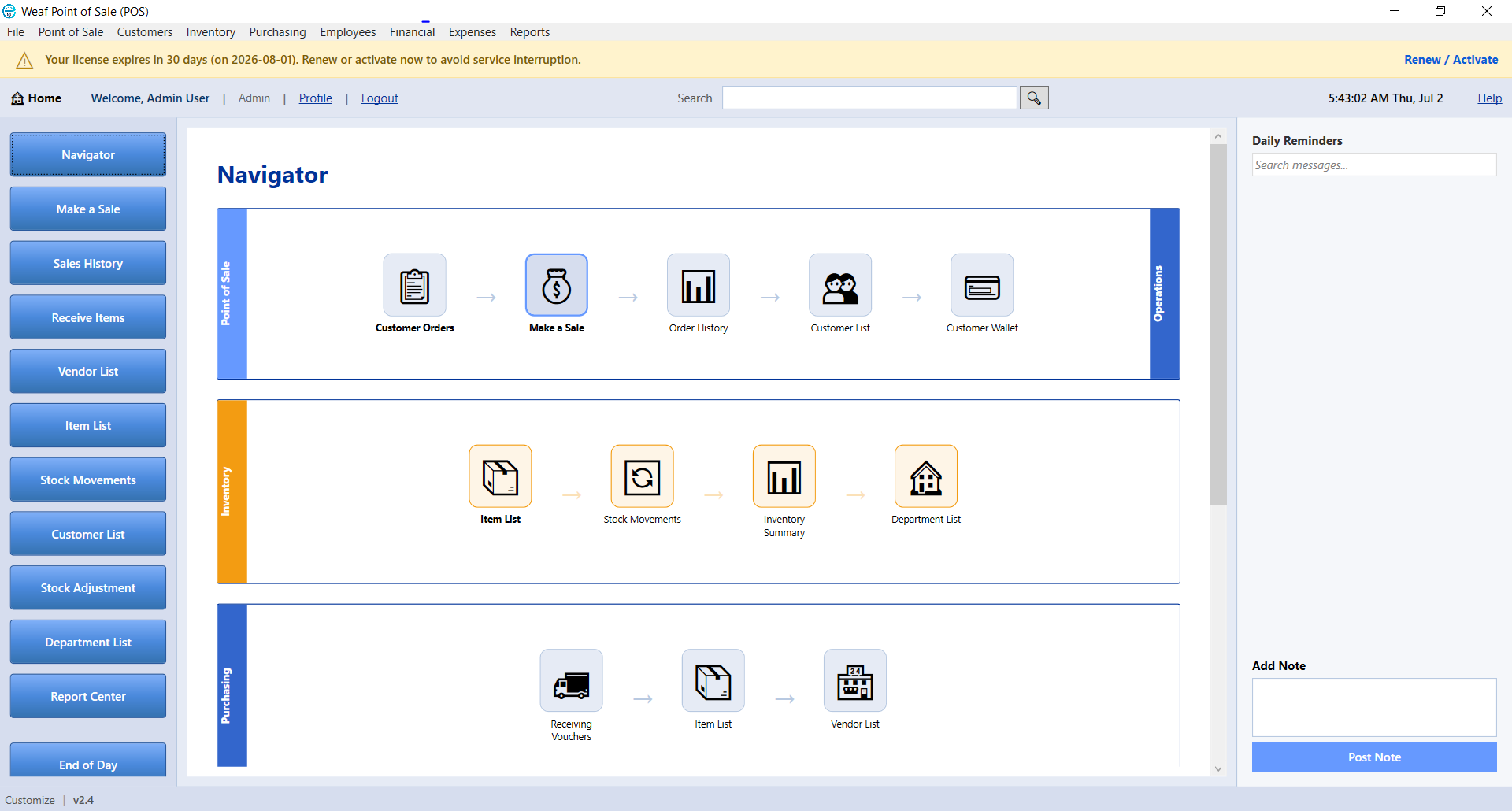
A below-reorder report and dashboard alerts show exactly what needs restocking, so your purchasing is planned rather than reactive.
Frequently asked questions
How do reorder alerts work?
You set a reorder level per product. When stock falls below it, WEAF POS shows an alert and lists the item on the low-stock report.
Can I see all low items together?
Yes. The below-reorder report lists everything that needs restocking in one place.
Does this help reduce dead stock too?
Combined with sales reports, it helps you stock what sells and avoid tying up cash in slow items.